
How to find out what anything is worth before you sell it

You found a stack of old camera lenses in your closet. Or your grandma’s china. Or a bin of trading cards from middle school. Before you snap a photo and slap a price on it, there is one question that decides whether you make $20 or $200. What is this thing actually worth?
Most new resellers skip this step. They guess, they list low to “move it fast,” and they leave real money sitting on the table. Pricing is not a vibe. It is a research process. It is the single skill that separates people who make pocket change from people who run profitable resale businesses.
Why researching value before listing is the number one reseller skill
Pricing is where deals happen or fail. Underprice an item and you give money to a buyer who knows more than you do. Overprice it and your listing sits for months, eating up your time and storage space.
The math gets brutal when you scale. If you sell 50 items a month and you underprice by $15 on average, that is $750 a month walking out the door. Over a year, you just handed strangers $9,000 because you skipped ten minutes of checking comps.
Good pricing also protects you from scammers. When you know exactly what something is worth, you can spot the lowballer pretending your item is “barely worth anything” or the inflated offer setting up a fake payment scheme. If you sell locally, you should know how to spot Facebook Marketplace scams before you list.
Method 1: Check Ebay sold listings
Ebay sold listings are the closest thing resellers have to a stock ticker. They show you what real buyers actually paid for items just like yours in similar conditions. Asking prices lie. Sold prices tell the truth.
Go to Ebay and search for your item. Be specific. “Nikon lens” is useless. “Nikon AF-S 50mm f/1.8G” is what you want.
Scroll down the left sidebar on desktop or tap the filter icon on mobile.
Find the “Show only” section and check the box for “Sold items.” Some people also check “Completed items,” but sold is the cleaner signal.
Sort by “Recently sold” so you are looking at current prices instead of what something went for two years ago.
Match condition. A pristine, boxed item sells for very different money than a beat up loose one. Skim the photos, not just the titles.
Throw out outliers. If 19 listings sold between $80 and $110 and one sold for $300, that $300 sale was probably a typo, a bundle, or a buyer who did not read the listing. Ignore it.
👉 Tip: Learn from a pro. Check out this How To Price Items to Sell On Ebay from Texas Gal Treasures.
You are looking for a range, not a single number. Most items have a $10 to $30 spread depending on condition, photos, and how patient the seller was.
A few traps to avoid. Do not confuse “free shipping” listings with “buyer pays shipping” ones because the seller’s actual take is different. Do not price off “Buy It Now” sold listings if you are running an auction. And do not let one viral sale convince you your item is worth triple what it really is.
Ebay sold listings work for almost anything: electronics, clothing, kitchenware, books, collectibles, tools. If a category exists on Ebay, sold data exists for it.
Method 2: Use a resale price checker app
Ebay sold listings are accurate, but they take time. If you are working through a garage full of stuff, you will burn an hour just on research before you have listed anything.
A resale price checker app does the heavy lifting in seconds. You snap a photo or type in the item, and the app pulls comparable sales data and gives you a suggested price. The good ones factor in condition and current market trends.
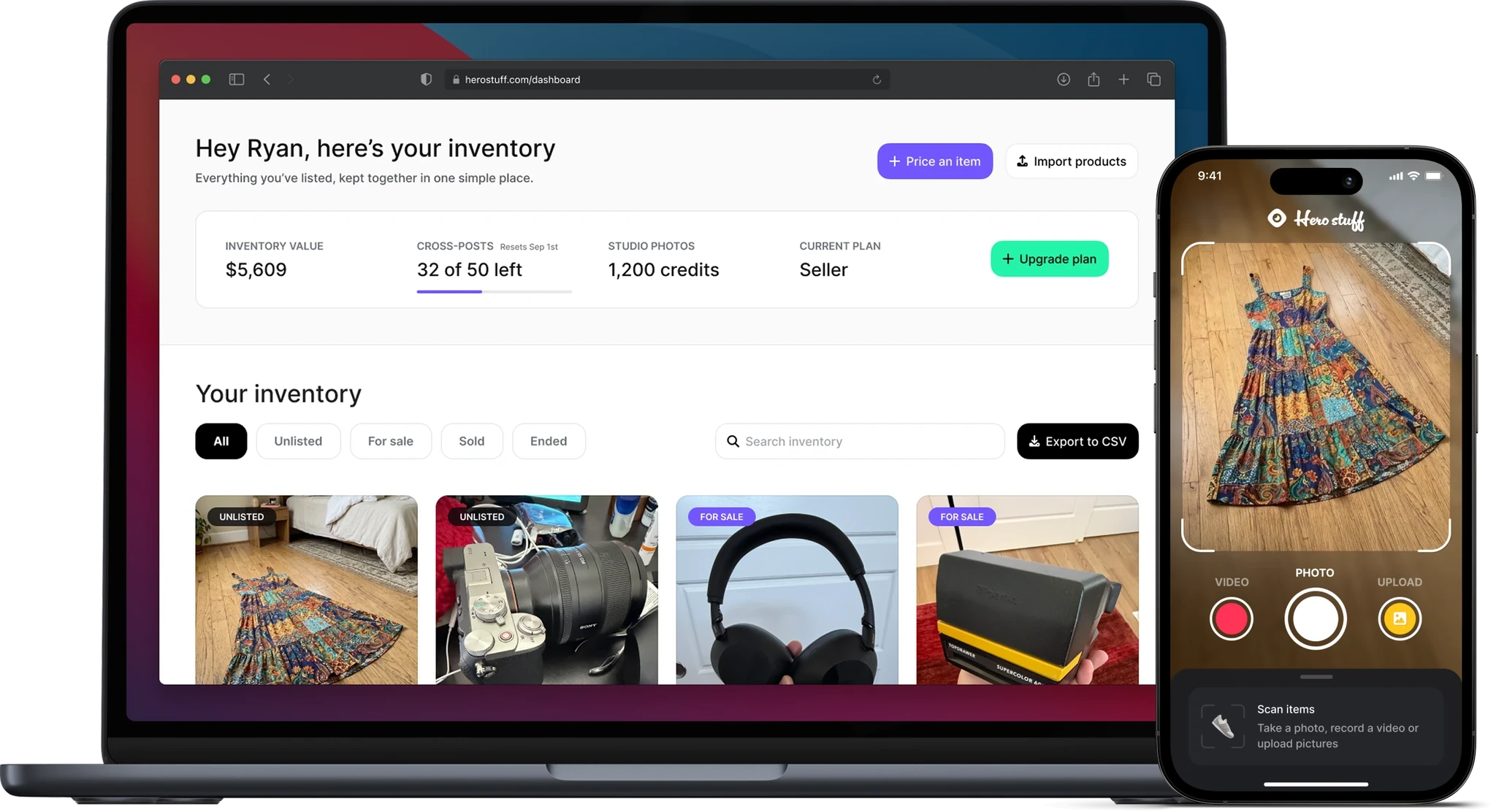
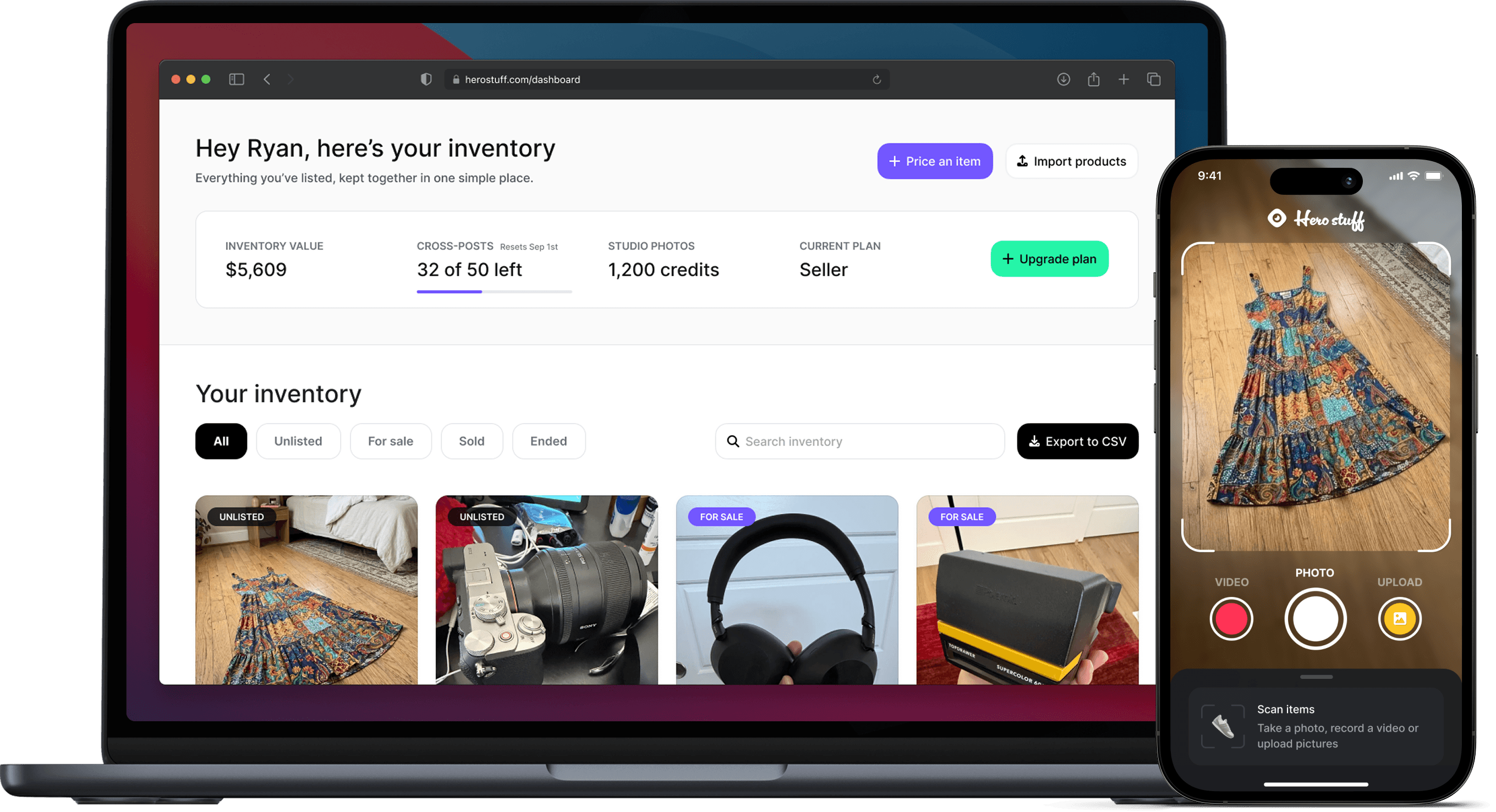
This is where Hero Stuff comes in. The free price checker takes a photo of your item and tells you what it is likely worth based on real resale data. It turns a 15 minute Ebay deep dive into a 30 second snapshot.
Apps are not perfect. They work best on items with lots of comparable sales data, which means popular electronics, trading cards, brand name clothing, and common collectibles get accurate suggestions. Rare or obscure items still benefit from a manual Ebay sold check.
The right move for most resellers is a hybrid. Use the app to price most of your inventory fast, and reserve the deep manual research for the few items where the app says “not enough data” or where the suggested range is unusually wide.
Method 3: Category-specific price guides
Some categories have their own pricing ecosystems. If you are selling in these niches, generic comps will only get you so far.
Trading cards. TCGplayer is the standard for Magic: The Gathering, Pokémon, and Yu-Gi-Oh prices. PriceCharting covers sports cards alongside video games. For graded cards, PSA’s population reports and recent auction data on goldin.co or PWCC matter more than raw Ebay sold data because grading dramatically changes value. A raw card might sell for $20, but the same card graded PSA 10 might be $400.
Electronics. Swappa publishes real world prices for phones, laptops, and tablets sorted by condition. For older or niche electronics, Ebay sold listings remain the best source. Do not trust “what I paid for it” or list price retailers. Depreciation on tech is brutal and fast. A two year old phone is usually worth a third of retail. If this is your market, use our ultimate checklist for selling used electronics to maximize your profit.
Clothing. Poshmark and Depop are useful for streetwear and trendy women’s clothing. For designer or luxury pieces, The RealReal and Vestiaire Collective set the ceiling. Brand matters enormously here. A $40 J.Crew sweater and a $40 Acne Studios sweater look similar on a hanger but resell at very different prices.
Furniture and home goods. Facebook Marketplace itself is your best comp source since most furniture sells locally. Look at sold listings in your area rather than nationwide.
Books and media. BookFinder and Amazon’s used prices give you a quick read for general books. For rare or first editions, AbeBooks is the standard.
Find where the actual buyers in that niche shop and use that platform’s data.
What condition grades mean and how they affect price
Two identical items in different conditions can sell for double or triple the difference. Condition is not a small adjustment. It is often the biggest single factor in your final price.
Here is the standard ladder from highest to lowest:
New, sealed. Never opened, original packaging intact. Commands the highest price.
New, open box. Opened but unused. Usually sells for 80 to 90% of new sealed.
Like new / mint. Used briefly or barely. No visible wear. Typically 70 to 85% of new sealed.
Excellent / near mint. Light use, minor signs only on close inspection. 60 to 75% of new.
Very good. Clearly used but well cared for. Some wear visible. 45 to 60% of new.
Good. Functional, with noticeable wear. 30 to 45% of new.
Acceptable / for parts. Works partially or has significant cosmetic damage. 10 to 25% of new.
These percentages shift by category. Trading cards live and die on condition with tighter grading scales. Designer handbags can hold value better in lower conditions because buyers expect patina. Electronics depreciate fast regardless of condition because the model itself ages out.
The rule that helps most is to only compare items in the same condition tier as yours when you check sold comps. A “Like New” iPhone selling for $400 does not mean your “Good” iPhone is worth $400. It might be worth $250.
Be honest about your item’s condition. Listing a “Good” item as “Like New” gets you returns, bad reviews, and chargebacks. You are better off pricing slightly lower and overdelivering on condition than the other way around.
How to use Hero Stuff’s free price checker
Here is how to get a price suggestion in under a minute using Hero Stuff.
Step 1: Take a clear photo of your item. You do not need a studio setup. Good light, a clean background, and the whole item in frame will do. If you want sharper photos that also help your listing convert, check out our ultimate guide to product photography.
Step 2: Upload the photo to Hero Stuff. The tool reads the image and identifies what you are looking at.
Step 3: Confirm or refine the item details. Hero Stuff usually identifies the item correctly, but you can adjust the brand, model, or category if needed. The more specific you are, the better the price suggestion.
Step 4: Note the condition. Use the condition ladder from earlier to honestly grade your item.
Step 5: Review the suggested price. Hero Stuff returns a price suggestion based on real resale data. Treat this as your anchor, not your final answer. If you are trying to sell fast, price at the lower end. If you can wait, price toward the top.
Step 6: Generate your listing. Once you have a price, Hero Stuff can also write the title and description for you. You go from photo to ready-to-post listing in a couple of minutes per item.
A note on the price suggestion itself. It does not include platform fees. Ebay and Facebook Marketplace each take their cut differently, so factor those in before deciding what you will actually take home. Roughly plan on losing 12 to 15% of your sale price to fees on Ebay, and 5% to selling fees on Marketplace shipped sales. Local pickup is free.
When to price high versus price low depending on your goal
Two resellers can look at the same item and price it $40 apart and both be right. Pricing depends on what you are trying to accomplish.
Price high when:
You have time. If your storage is not full and you are not in a rush, listing at the top of the comp range and waiting for the right buyer almost always pays better. The patient seller wins.
The item is rare or has thin sold data. If only three or four comparable items sold in the last 90 days, the market is illiquid and you have more pricing power. Lowballers cannot pressure you with “everyone else is selling for less” because there is no everyone else.
You would genuinely rather keep the item than sell it cheap. Price your walk away number. If it sells, great. If not, you keep something you did not want to give away.
You are testing the market. List high, see what offers come in, and adjust down later. You can always lower a price. You cannot raise it without relisting.
Price low when:
You need cash now. Pricing 10 to 15% under the going rate usually triggers a sale within days instead of weeks.
You have storage pressure. If you are sitting on 200 items in a one bedroom apartment, every day an item does not sell is a tax on your sanity. Move it.
The item is depreciating fast. Phones, laptops, gaming consoles, and trendy fashion all lose value while you wait. A phone listed at $500 today might only be worth $420 in two months. Sell now.
You want to build seller reputation. New sellers benefit from quick sales, positive reviews, and a track record. Pricing aggressively on your first 10 to 20 items builds the foundation for higher prices later.
You are clearing inventory. Whether it is end of season or just resetting your stock, take the loss, take the win, and move on.
The trap most resellers fall into is pricing emotionally. They price high because they paid a lot for it originally, or low because they are sick of looking at it. Neither feeling has anything to do with what the market will pay. Use the data, set the price, and move on.
If you do this consistently on every item, you will start to see the same patterns. You will figure out the categories where you make real money, the items that move fast, and the seasons that matter. That is when reselling stops being a hobby and starts being a business. Pricing is where it all starts. Get this part right and the rest gets much easier.
How to Import Shopify or WooCommerce Products to eBay and Facebook Marketplace
How to Import Shopify Products to eBay with Hero
Hero now does bulk: connect Shopify, import your catalog, list everything

Hero is now available globally 🇩🇪 🇪🇬 🇮🇳
Four new ways to sell with Hero
Introducing Studio Photos: Turn one photo into six studio shots

How to factory reset an iPad before selling it (step-by-step)