How to Import Shopify Products to eBay with Hero
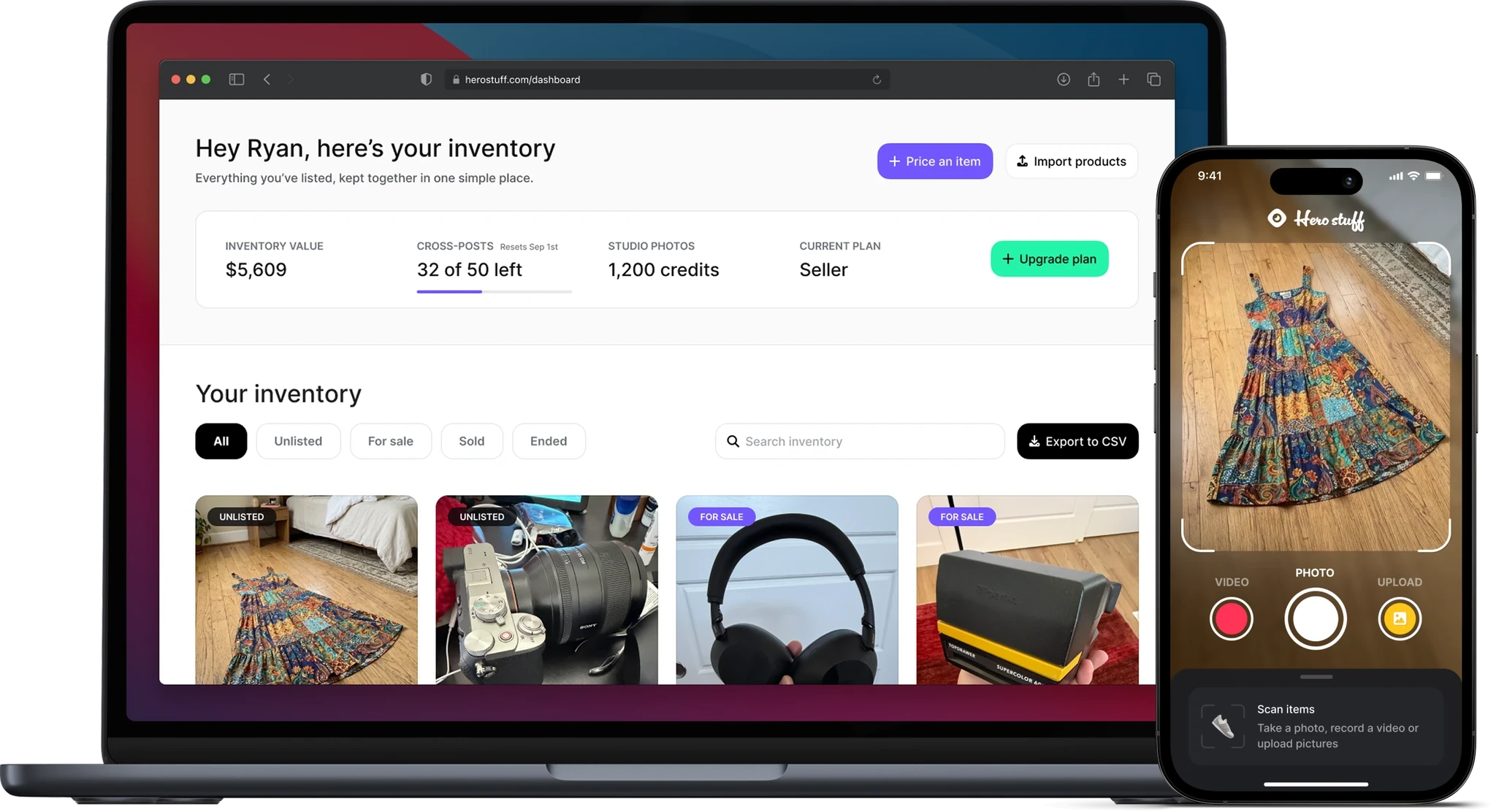
Your Shopify store already contains most of what you need for an eBay listing: product photos, names, prices, descriptions, and product details. Rebuilding all of that inside eBay is duplicate work.
Hero gives you a faster path. Import your Shopify catalog into the Hero web dashboard, review the products in your Hero inventory, and publish the products you want to eBay. Every field stays editable, and nothing goes live until you approve it.
This guide walks through the workflow and the eBay-specific details worth checking before you publish.
Why copying Shopify products into eBay gets slow
Shopify product pages are built for your own storefront. eBay listings are built for marketplace search.
A Shopify title can be short because shoppers already know your brand and can browse your collections. On eBay, buyers often search using a combination of brand, model, size, color, condition, material, and exact product type. eBay also relies on categories and item specifics to match listings with buyer searches and filters.
That means the best workflow is not a blind copy. It is import, review, adapt, and publish.
Hero handles the repetitive transfer while giving you a place to prepare each product for eBay. You reuse the catalog you already built without giving up control over the final marketplace listing.
How to import Shopify products to eBay with Hero
1. Export your products from Shopify as a CSV
In your Shopify admin, go to Products and click Export. Choose whether to export the current page, all products, selected products, or products that match your filters, then export the product CSV.
Keep Shopify’s original column headers and row order intact. You can inspect the file before uploading it, but avoid restructuring or sorting it because variants and image rows need to stay associated with the correct products.
2. Upload the Shopify CSV to Hero
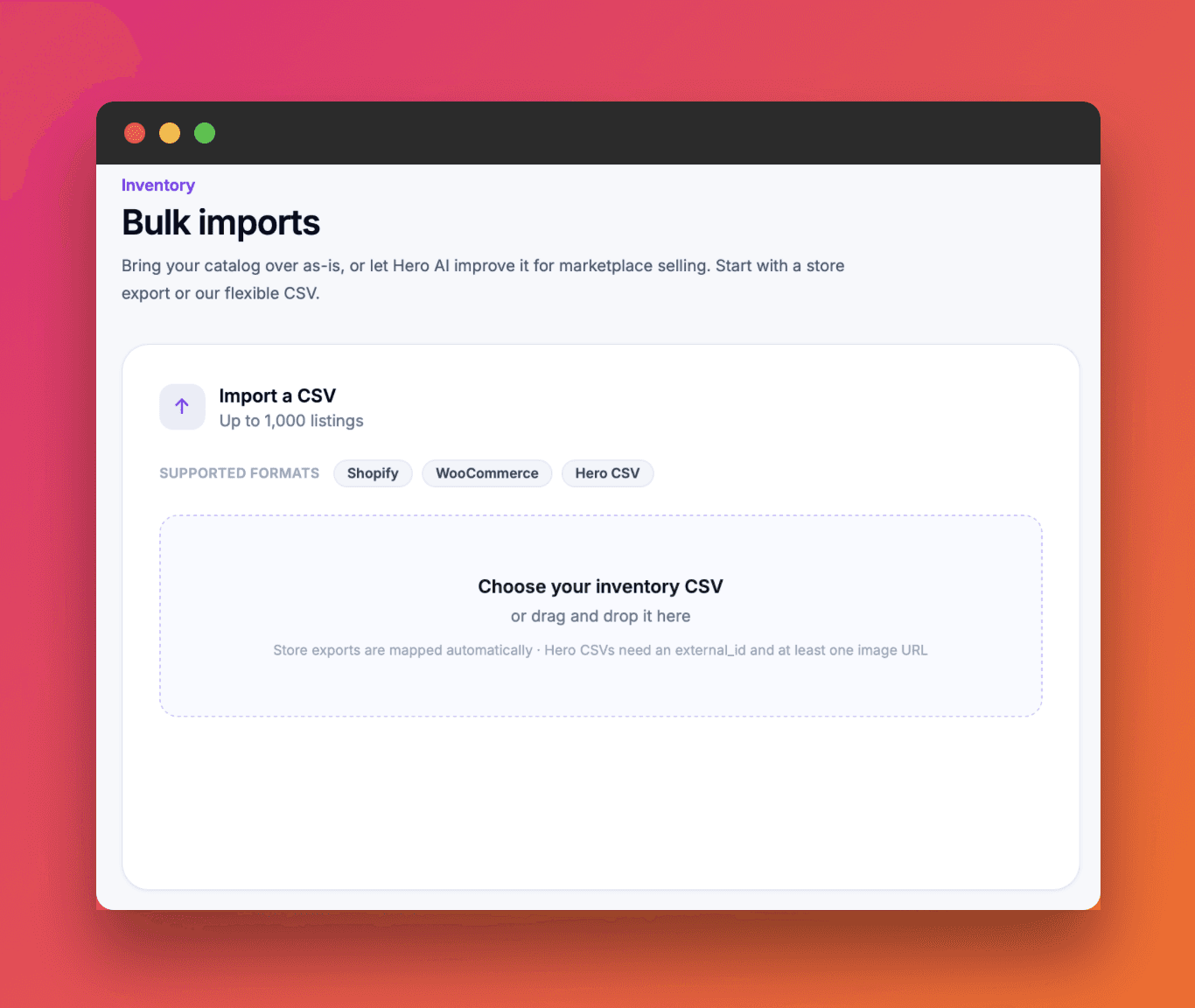
Sign in to the Hero web dashboard. From your inventory, choose Import products, select Shopify, and upload the CSV you exported.
Hero supports Shopify’s standard product CSV format and converts the supported catalog data into products in your Hero inventory.
3. Review the imported products in Hero
Open an imported item and check the title, description, price, photos, condition, and product details.
Storefront copy is not always marketplace-ready. A title may be too vague, a description may contain brand storytelling that does not help an eBay buyer, or a price may be based on the original retail value rather than the current resale market.
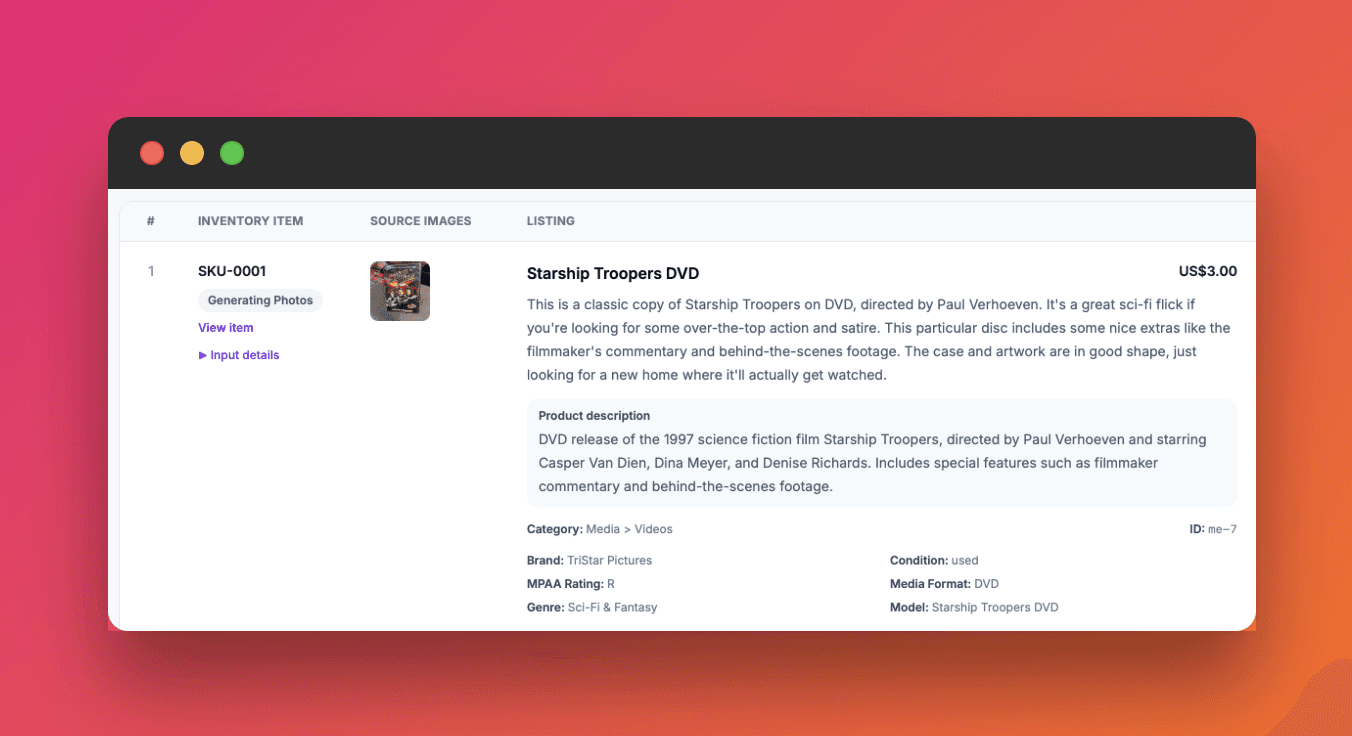
Hero can identify the item, create or improve the title and description, clean up incomplete catalog information, and suggest a price using real sold data. Treat the result as a strong draft, then verify the details that only you know: exact condition, included accessories, defects, quantity, and shipping setup.
4. Prepare the product for eBay
Before publishing, check the fields that matter most on eBay:
Title: Keep it clear, correctly spelled, and within eBay’s 80-character limit. Put the brand and model near the beginning.
Category: Choose the most accurate category instead of the broadest one.
Item specifics: Complete relevant details such as size, color, material, model, type, and style.
Condition: Select the correct condition and describe visible wear honestly.
Photos: Use clear images from multiple angles and show any flaws.
Price: Compare the suggested price with the item’s condition and your desired selling speed.
Shipping and returns: Confirm the package size, weight, handling time, shipping service, and return policy.
This review is what turns a transferred product into a useful eBay listing.
5. Connect eBay and publish
Connect your eBay account to Hero if it is not already connected. Open the product you want to sell, select eBay as the destination, complete any marketplace-specific fields, and publish when everything looks right.
The product remains in Hero inventory, so you can continue working through the catalog without re-entering the same information from the beginning.
How Hero improves an imported Shopify catalog
The import is only the first step. Hero acts as the preparation layer between your store and the marketplace.
Cleaner titles and descriptions
Hero can replace vague storefront titles with clearer, search-friendly listing copy. It can also turn a long product-page description into a direct explanation of what the buyer receives, the product’s condition, and the details that affect the purchase.
Pricing based on the resale market
Your Shopify price may reflect original retail positioning, a promotion, or an old catalog decision. Hero can compare real sold data and suggest a price that is more useful for a marketplace listing.
Better product photos when needed
Imported photos may already be strong. When they are not, Hero Studio Photos can turn an ordinary product image into cleaner studio-style shots. Keep at least one honest image that accurately shows the item’s real condition, especially for used or open-box products.
One inventory for review
Instead of jumping between browser tabs, spreadsheets, and draft listings, you can use Hero inventory to see what still needs work and what is ready to publish.
A simple Shopify-to-eBay example
Imagine your Shopify product is called:
Classic Camera Bundle
That may work inside a branded store, but it is weak on eBay. A stronger marketplace title would look more like:
Canon EOS M50 Mirrorless Camera 15-45mm Lens Black Tested Excellent Condition
The second title tells the buyer and eBay exactly what the product is. The description can then confirm the shutter condition, included battery and charger, cosmetic wear, and anything missing from the original box.
Hero can create the draft quickly. Your final review makes it accurate.
Common mistakes to avoid
Do not publish every Shopify field unchanged just because it imported successfully. Watch for these common problems:
Store titles that omit the brand, model, size, or condition
Long descriptions that hide the useful details below marketing copy
Missing eBay item specifics
Original retail prices that no longer match the resale market
Stock photos that do not show the exact used item
Shipping prices based on guesses instead of the packed item
Variation information that does not match the product being listed
A few minutes of review can prevent buyer questions, returns, and listings that disappear inside broad search results.
Start with one product, then build the workflow
Your Shopify catalog should be a starting point, not a pile of work to repeat. Hero brings the catalog into your inventory, helps turn store data into an eBay-ready draft, and gives you final approval before the listing reaches eBay.
Start with a product that has clear photos and complete details. Import it, review it, publish it, and use what you learn to move through the rest of your inventory faster.
New to the marketplace itself? Read our complete guide to selling on eBay before publishing your first listing.
How to Import Shopify Products to eBay with Hero
How to Import Shopify Products to eBay with Hero
Hero now does bulk: connect Shopify, import your catalog, list everything

Hero is now available globally 🇩🇪 🇪🇬 🇮🇳
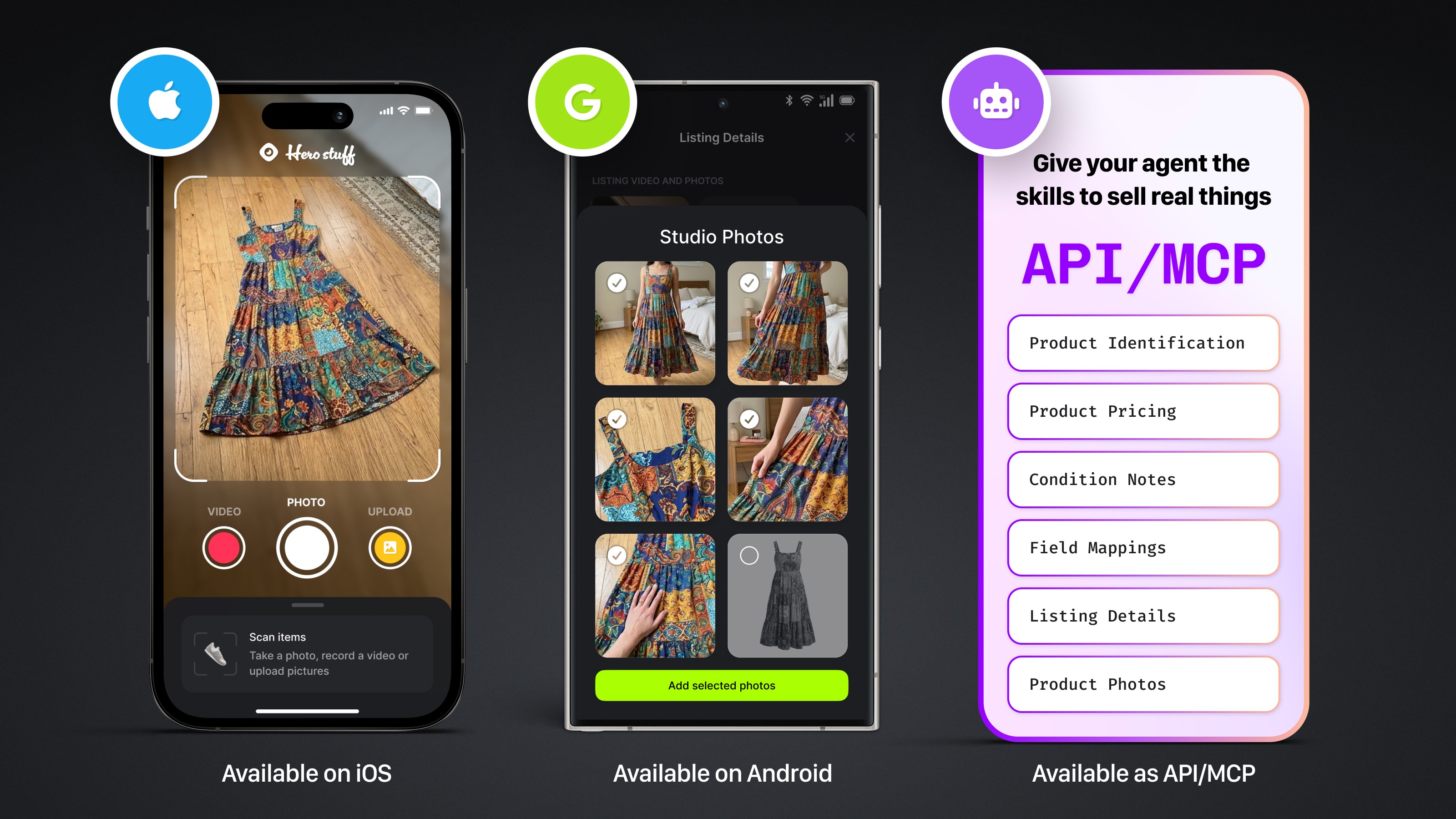
Four new ways to sell with Hero
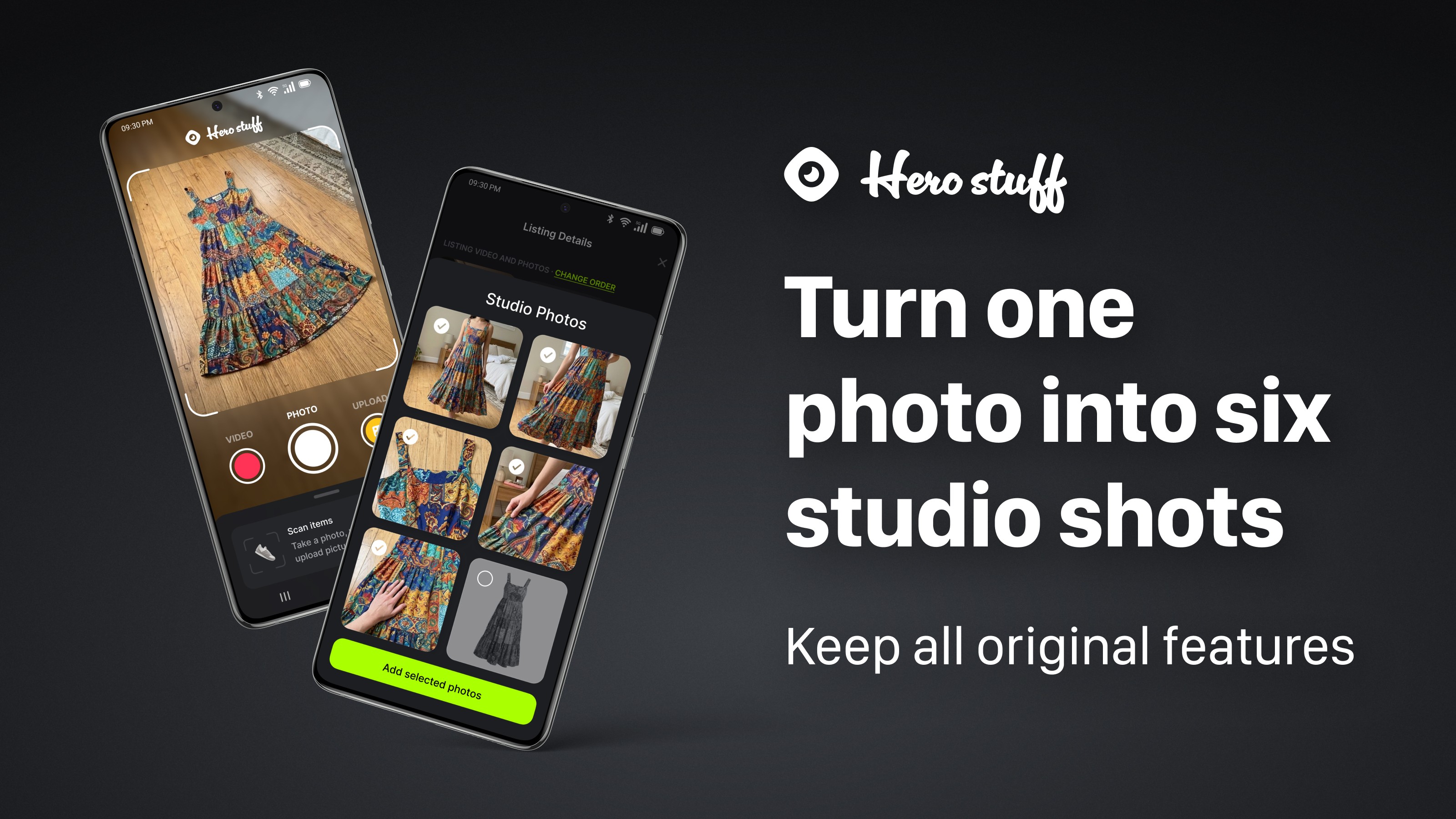
Introducing Studio Photos: Turn one photo into six studio shots

How to factory reset an iPad before selling it (step-by-step)