How to Import Shopify or WooCommerce Products to eBay and Facebook Marketplace
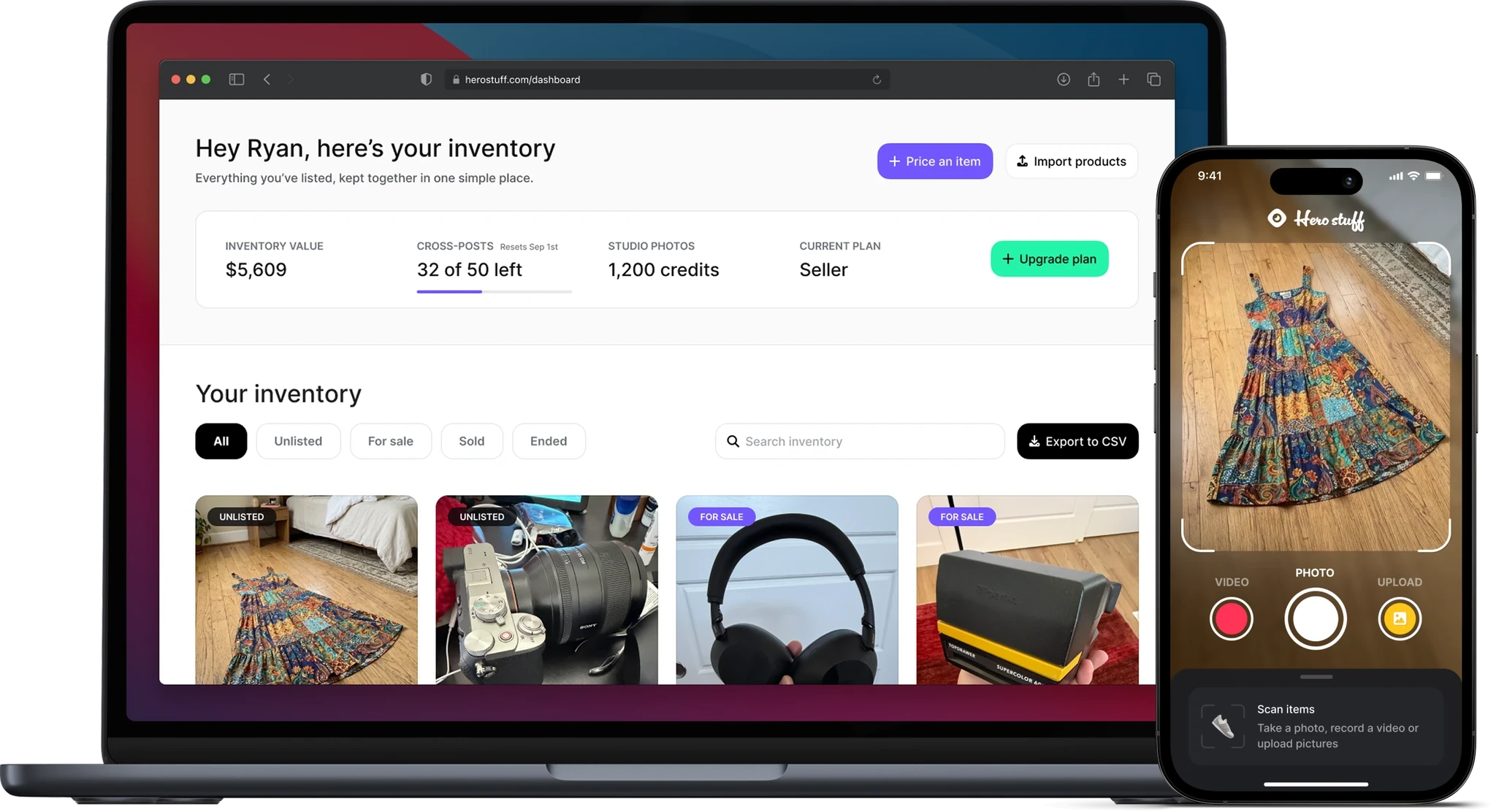
Your Shopify or WooCommerce store already contains the foundation of a marketplace listing: product names, descriptions, photos, prices, variants, and other catalog details. Rebuilding that information from scratch on eBay or Facebook Marketplace is repetitive work.
Hero gives you one workflow for all four routes:
Shopify to eBay
Shopify to Facebook Marketplace
WooCommerce to eBay
WooCommerce to Facebook Marketplace
Export your store’s native product CSV, upload it to Hero, and let Hero turn the catalog data into marketplace-ready listings. Hero identifies products, cleans up incomplete or storefront-specific copy, writes destination-appropriate titles and descriptions, prepares relevant product details, suggests prices using real sold data, and improves product photos when needed.
You stay in control of what is published, but control does not mean starting over. Every field remains editable as a safety net. The goal is for Hero to do the listing work and leave you with a short factual review before approval.
The workflow at a glance
The process is the same whether your catalog comes from Shopify or WooCommerce:
Export products from your store as a native CSV file.
Upload the CSV to Hero and select the correct source format.
Let Hero identify, clean, price, and prepare the products for the destination marketplace.
Confirm only the facts that cannot be verified from catalog data alone.
Select eBay or Facebook Marketplace and publish when the preview is accurate.
There is no direct Shopify or WooCommerce connection step. Hero supports the CSV formats produced by both platforms, so your existing catalog can move into Hero inventory without rebuilding it manually.
Step 1: Export your product CSV
Export products from Shopify
In Shopify admin, open Products and select Export. You can export all products, selected products, the current page, or products matching a filter.
Download the product CSV and keep Shopify’s structure intact. A Shopify export can use several rows for the same product when it contains variants or multiple images, so avoid rearranging rows or renaming columns before uploading the file to Hero.
Export products from WooCommerce
In WordPress, go to Products → All Products and select Export. Choose the columns, product types, and categories you want to include, then generate the CSV.
Keep the native WooCommerce structure intact. Custom plugins may add extra metadata, but Hero can still use the supported standard product data as the basis for each inventory item.
Step 2: Upload the CSV to Hero
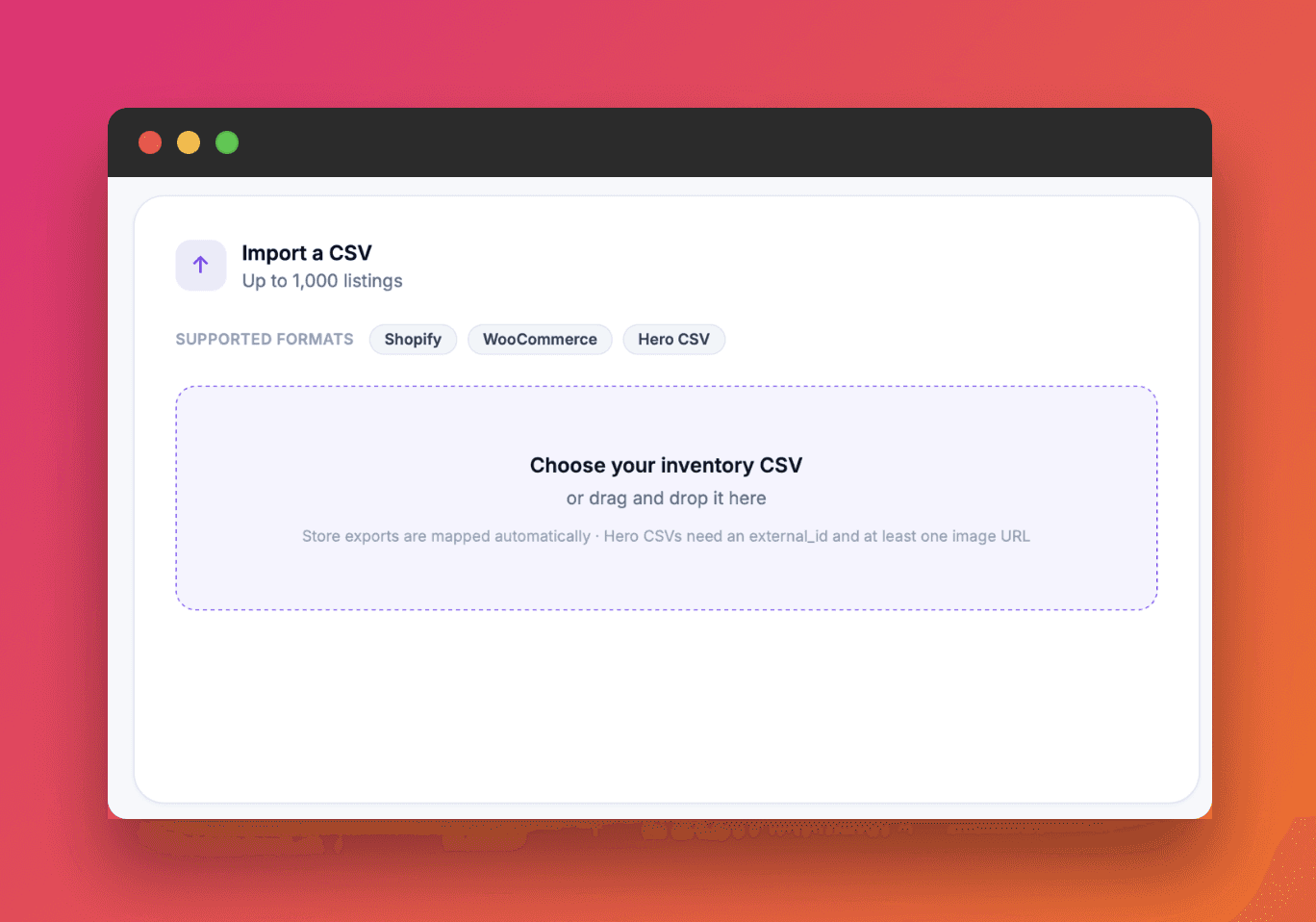
Sign in to the Hero web dashboard and open your inventory. Select Import products, choose Shopify or WooCommerce, and upload the CSV produced by that platform.
Hero reads the supported catalog fields and creates products inside Hero inventory. Nothing is sent to eBay or Facebook Marketplace during the import. You can see the catalog, open individual products, and approve the destination listing only after Hero has prepared it.
Step 3: Let Hero turn store data into marketplace listings
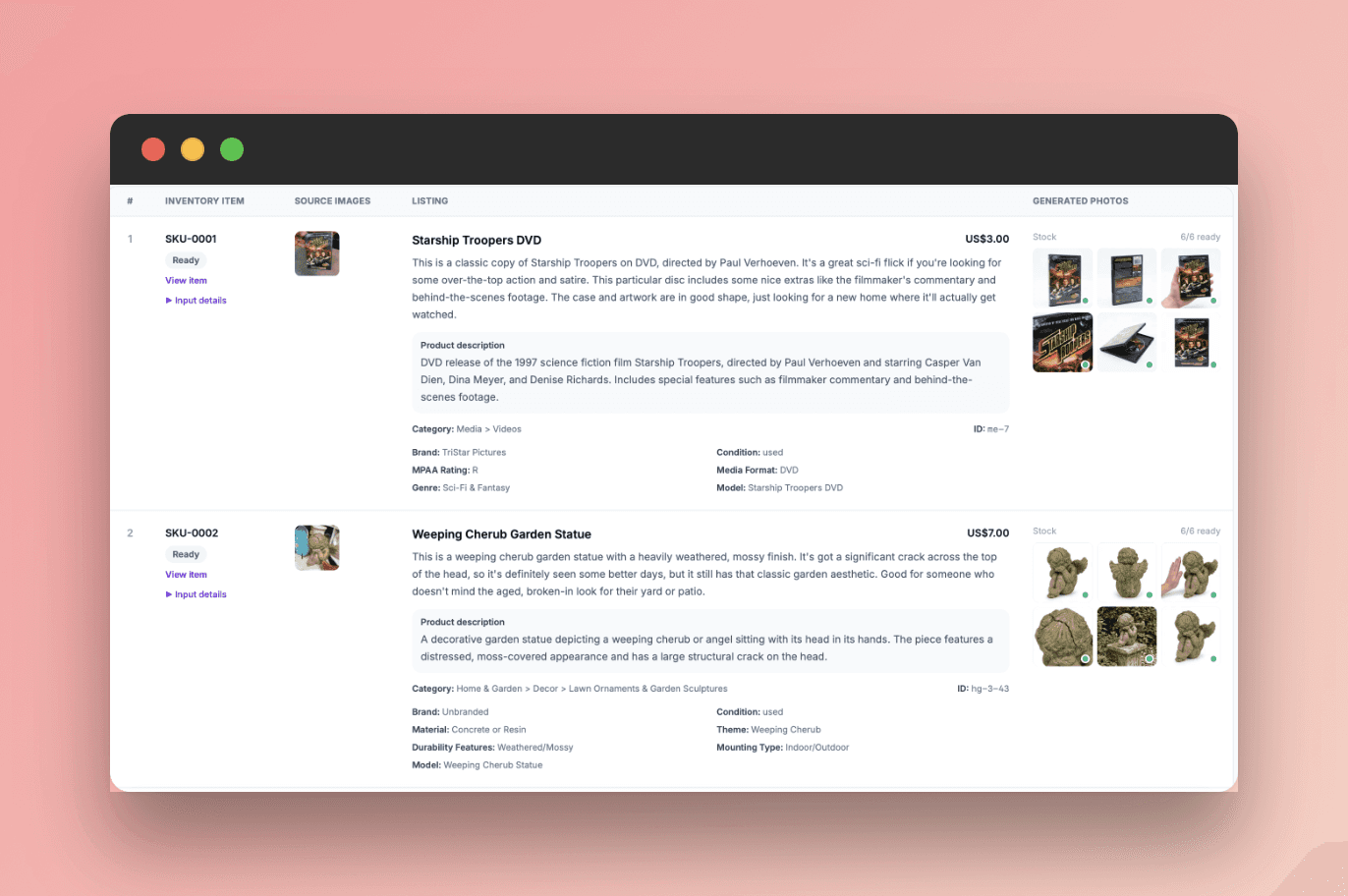
Hero is not simply moving text from one database to another. Store product pages and marketplace listings serve different purposes, so Hero adapts the data for the place where the product will be sold.
Product identification and catalog cleanup
Store catalogs are not always consistent. One product may have a complete model number and detailed description. Another may have an internal title, an old sale price, abbreviated attributes, or missing fields.
Hero identifies the product and cleans up the information it can use. The result is a consistent inventory item rather than a raw copy of every storefront field.
Marketplace-ready titles
A good marketplace title is specific enough for a buyer and the platform’s search system to understand immediately. On eBay, that often means the brand, model, size, color, product type, and other high-value attributes, presented clearly and within eBay’s title limit. On Facebook Marketplace, the title usually needs to be shorter, more direct, and easier to scan locally.
Hero applies those destination-specific rules when it creates the draft. You should not have to rewrite every imported product title by hand. Your role is to confirm that the generated title describes the exact item you have.
Descriptions that surface the useful details
A Shopify or WooCommerce description may include collection language, brand storytelling, SEO paragraphs, promotional copy, or technical information buried far below the opening.
Hero turns that storefront copy into a clearer marketplace description. It brings forward what the product is, the important specifications, what is included, and the details buyers need to make a decision. The draft remains editable, but the seller is reviewing the result—not writing it from a blank page.
Marketplace fields and item specifics
Marketplaces use structured details to organize products and help buyers filter results. eBay relies heavily on fields such as brand, model, size, color, material, type, and style. Facebook Marketplace also requires core listing information such as title, price, and category.
Hero uses product identification and imported catalog data to prepare the supported marketplace details it can. When the source information is missing or genuinely ambiguous, the uncertain field remains part of the final review instead of being invented.
Pricing based on sold-market data
A store price may reflect original retail positioning, an old promotion, a wholesale margin, or the value of a brand-new unit. That does not always match what buyers currently pay for the same item on a resale marketplace.
Hero uses real sold data to suggest a more relevant marketplace price. The seller can still decide whether to prioritize margin or selling speed, but the research does not need to begin from zero.
Better product images when needed
If imported photos are already clear and accurate, they can move with the product. When the background is distracting, Hero Studio Photos can turn an ordinary product image into cleaner studio-style options.
For used, returned, or open-box products, keep images that show the actual item and any visible wear. Hero can improve presentation, but it should not hide the condition a buyer needs to see.
Step 4: Confirm the facts only you can know
Hero is designed to get each product as close to publish-ready as the available data allows. The final review is mainly for physical or operational details that a store CSV cannot prove.
Confirm:
The exact condition of the item in front of you
Scratches, stains, dents, repairs, or functional problems
The exact accessories, parts, manuals, or packaging included
The correct variation, color, size, quantity, or bundle being sold
Packed weight and dimensions for eBay shipping
Handling time, shipping service, and return settings
Pickup location, delivery availability, and meeting details for Facebook Marketplace
Any marketplace policy or legal restriction relevant to the item
This is a factual approval step, not a listing-writing exercise. When the imported catalog is complete, most products need only a brief accuracy check before publishing.
Shopify to eBay
Export the product CSV from Shopify, upload it through Hero’s Shopify import option, and open the product you want to list.
Hero adapts the storefront data into an eBay-oriented draft. It can replace a branded or vague store title with a more specific title, turn promotional description copy into buyer-relevant details, prepare item specifics from the product data, and suggest a price based on sold listings.
You mainly confirm the exact condition, included accessories, correct variation, shipping measurements, handling, and returns. Then select eBay as the destination and approve the listing.
Shopify to Facebook Marketplace
Export the same native Shopify product CSV and upload it to Hero. Hero brings the catalog into inventory, then prepares a simpler listing for local browsing.
A Shopify collection name or lifestyle title may work inside your store but tell a Marketplace buyer very little. Hero turns it into a direct product title and brings practical information forward in the description. It can also suggest a resale price and improve the product images where needed.
You confirm the exact condition, the item being sold, the location, and whether pickup or delivery is available. Then select Facebook Marketplace and publish when the preview is accurate.
WooCommerce to eBay
From WooCommerce, export the products you want as a native CSV and upload the file through Hero’s WooCommerce import option.
WooCommerce catalogs often contain flexible attributes, custom fields, variable products, technical copy, and naming conventions created for the store itself. Hero cleans the supported data, identifies the product, and prepares an eBay-ready draft rather than transferring every field unchanged.
You confirm the exact variation, condition, included items, shipping measurements, and seller policies. Hero handles the repetitive listing preparation; you approve the real-world details before publishing to eBay.
WooCommerce to Facebook Marketplace
Export the WooCommerce product CSV, upload it to Hero, and select products that make sense for local discovery.
Hero simplifies store-oriented titles and descriptions, prepares the product information for Marketplace, and suggests a price using sold-market data. This is especially useful for furniture, appliances, tools, electronics, clearance inventory, and open-box or returned products that may appeal to nearby buyers.
You confirm the exact unit, visible condition, location, pickup options, and delivery details. Once those facts are correct, select Facebook Marketplace and publish.
Why eBay and Facebook Marketplace need different drafts
The source catalog can be the same, but the final listing should reflect how buyers use each marketplace.
For eBay
Buyers often search for exact brands, models, editions, sizes, and specifications. Structured item details, condition, shipping, and returns matter. Hero prepares a more specific, search-oriented listing from the imported catalog and leaves the seller to verify the physical item and fulfillment settings.
For Facebook Marketplace
Buyers often browse nearby products and make faster decisions from the first photo, title, price, condition, and location. Hero prepares a more direct local-market draft, while the seller confirms pickup, delivery, and any details tied to the exact unit.
You do not need to maintain four different versions of your catalog manually. Hero starts from the same inventory item and prepares it for the destination you select.
A simple example
Imagine a Shopify or WooCommerce product called:
Classic Camera Bundle
The store page may rely on brand context and a long description. For eBay, Hero can generate a more searchable draft such as:
Canon EOS M50 Camera 15-45mm Lens Black Tested With Battery Charger
For Facebook Marketplace, Hero can create a more direct local version such as:
Canon EOS M50 camera with lens, battery and charger — tested
The seller does not need to invent either version. The seller only confirms whether that exact camera is tested, whether the battery and charger are included, whether there are scratches, and how it will be shipped or collected.
That is the intended balance: Hero handles the marketplace writing and structure; the seller supplies the facts that only someone holding the item can verify.
Frequently asked questions
Can I import Shopify products to eBay?
Yes. Export the native product CSV from Shopify, upload it using Hero’s Shopify import option, let Hero prepare the marketplace listing, confirm the item-specific facts, and publish to eBay.
Can I import Shopify products to Facebook Marketplace?
Yes. The Shopify CSV can be imported into Hero inventory and used to prepare selected products for Facebook Marketplace. Hero adapts the catalog copy for the destination, while you confirm location, condition, pickup, and delivery details.
Can I import WooCommerce products to eBay?
Yes. Export products from Products → All Products → Export in WooCommerce, upload the native CSV to Hero, and use the imported inventory to prepare eBay listings.
Can I import WooCommerce products to Facebook Marketplace?
Yes. Upload the WooCommerce product CSV to Hero, select the products you want to sell locally, confirm the exact item and local fulfillment details, and publish to Facebook Marketplace.
Do I connect Shopify or WooCommerce directly to Hero?
No. Export a product CSV from Shopify or WooCommerce and upload that file to Hero using the matching import option.
Do I need to rewrite every title and description?
No. Hero’s job is to identify the product and generate marketplace-ready listing content from the imported data. Review the result for factual accuracy and add only the details that are not available in the catalog.
What if my store catalog is incomplete or messy?
Import it as it is. Hero can clean up incomplete catalog data, identify products, improve listing copy, and suggest prices. Information that cannot be determined confidently remains available for review rather than being invented.
Does importing a CSV publish the products automatically?
No. Importing creates products in Hero inventory. Nothing goes live until you select a destination, review the product, and approve the listing.
Use the catalog you already built
Your Shopify or WooCommerce catalog should save you time beyond your own website. Export the native CSV, upload it to Hero, and let Hero do the repetitive work required to prepare products for eBay or Facebook Marketplace.
The ideal workflow is not export, import, and rewrite. It is export, import, confirm, and publish.
Import your catalog with Hero and turn existing store data into marketplace-ready listings.
How to Import Shopify or WooCommerce Products to eBay and Facebook Marketplace
How to Import Shopify Products to eBay with Hero
Hero now does bulk: connect Shopify, import your catalog, list everything

Hero is now available globally 🇩🇪 🇪🇬 🇮🇳
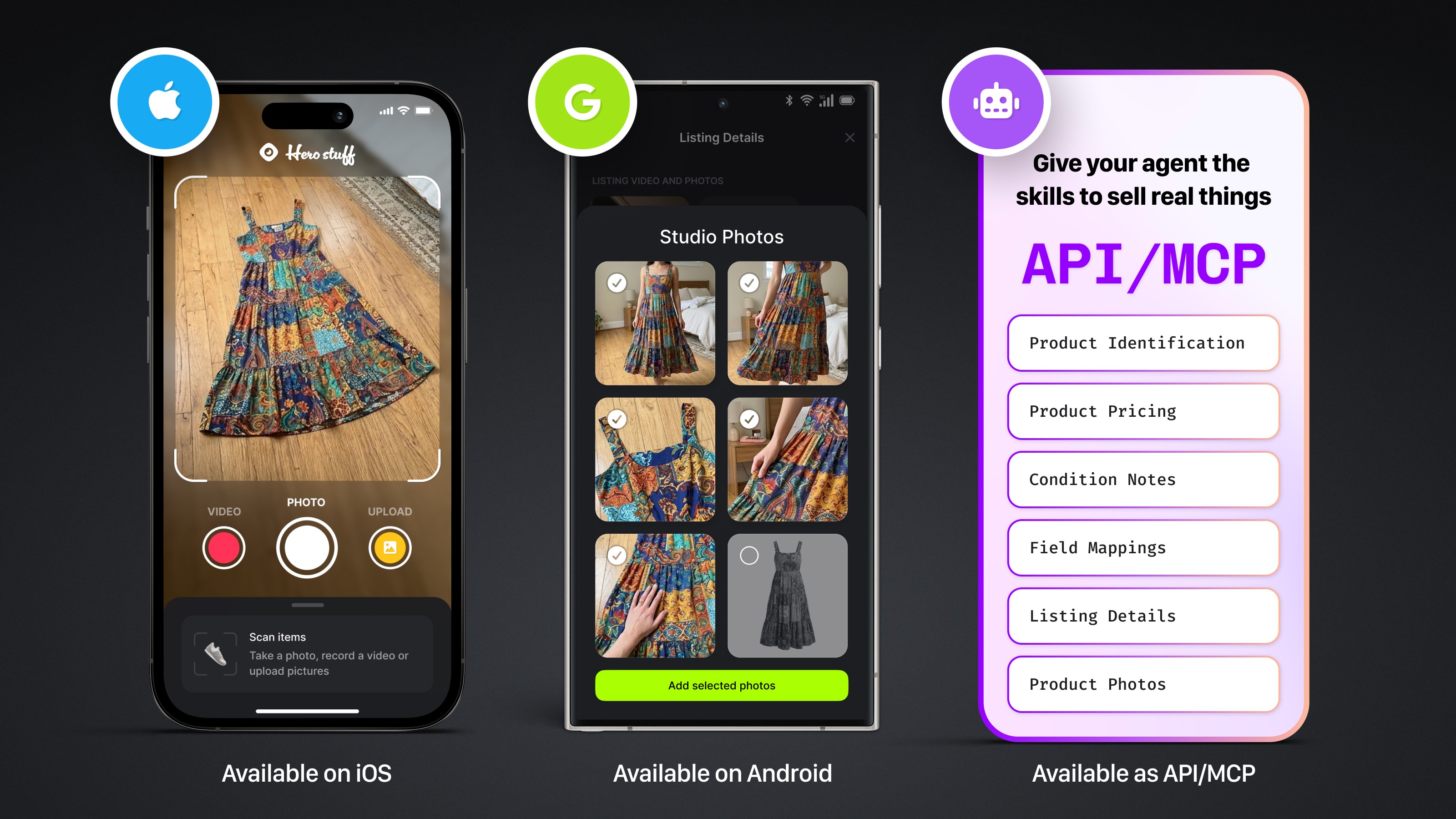
Four new ways to sell with Hero
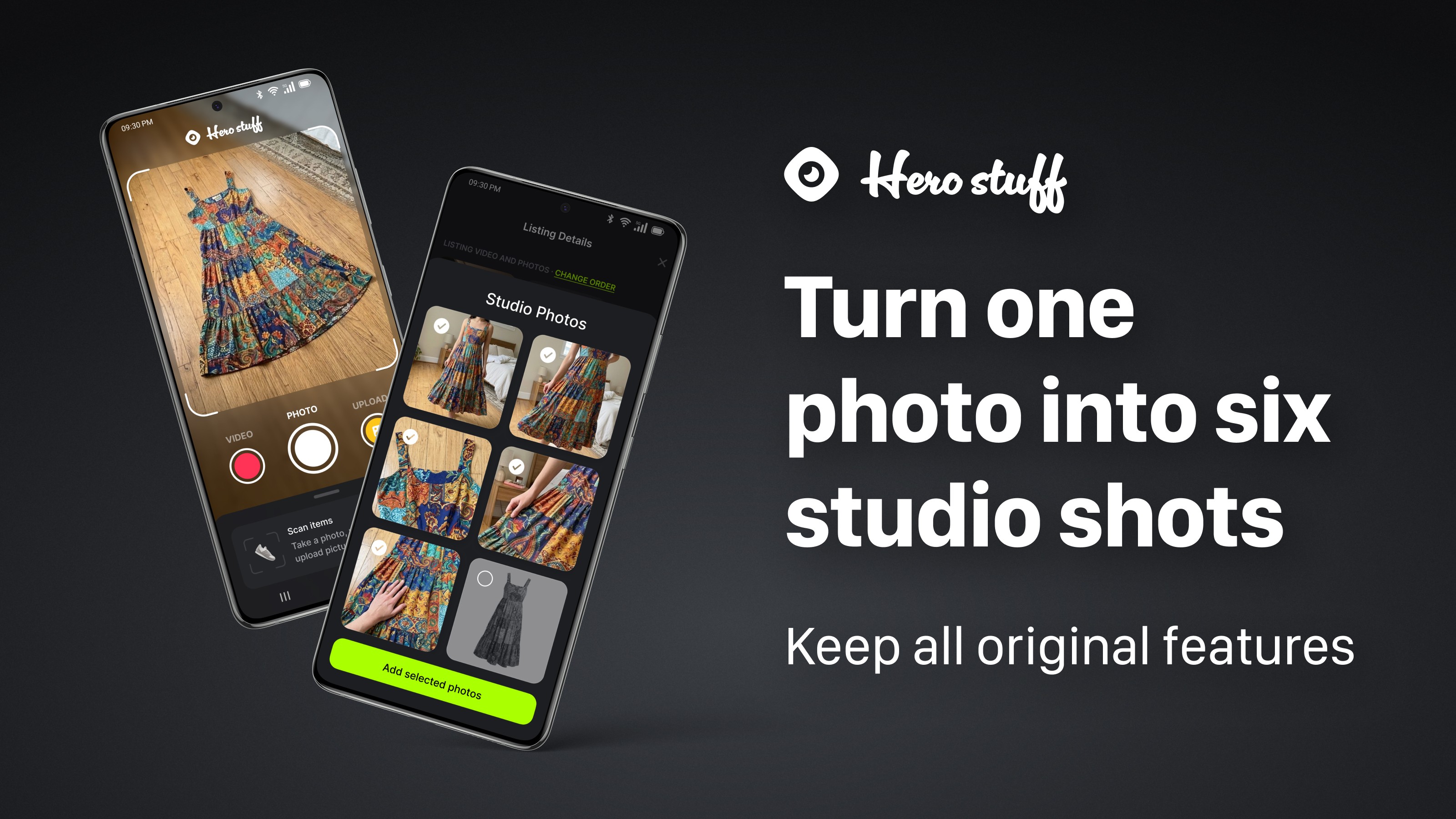
Introducing Studio Photos: Turn one photo into six studio shots

How to factory reset an iPad before selling it (step-by-step)