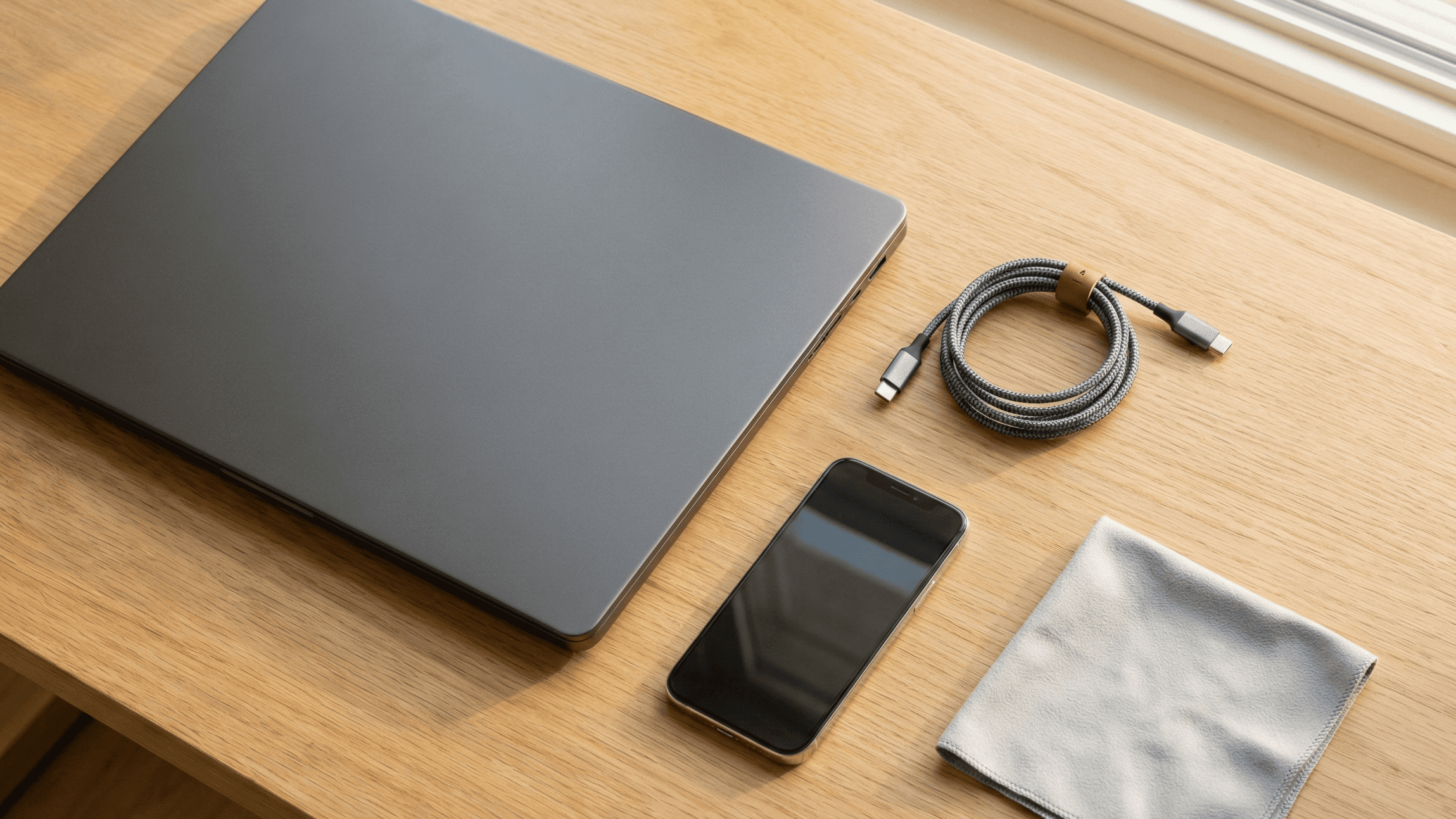
The ultimate checklist for selling used electronics: Maximize profit & speed
How to
eBay
Dec 29, 2025
Selling used electronics is one of the fastest ways to put cash back in your pocket, but the difference between a quick sale and a stagnant listing often comes down to preparation. Electronics buyers are skeptical. They worry about battery health, hidden damage, and locked accounts.
To command top dollar, you need more than just a quick photo. You need a systematic approach. This guide combines professional reseller strategies with a simple checklist to help you prep, price, and sell your devices with confidence.
Phase 1: The Prep Work (Don’t Skip This)
Buyers pay premium prices for devices that look maintained and function flawlessly. A cohesive "unboxing" experience starts with how you prepare the device.
Data Security & Factory Reset
Before you do anything else, protect your privacy. A factory reset is non-negotiable, but you must do it in the right order to avoid locking the next user out.
Back up first: Use cloud services (iCloud, Google Drive) or an external hard drive to save photos and contacts.
Disable security locks: Turn off "Find My iPhone" (iOS) or Factory Reset Protection (Android). If you don't do this before wiping, the buyer cannot set up the device.
Perform the reset: Go to Settings > General > Reset (or equivalent) to wipe all content and settings. Learn more about how to factory reset and erase the content on your Android and iPhone device.
Sanity check: Restart the device to ensure it boots to the "Hello" or setup screen.
Deep Cleaning (The "New" Factor)
Physical appearance dramatically affects perceived value. Fingerprints and dust make a device look abused.
Screen & Body: Use a microfiber cloth slightly dampened with 70% isopropyl alcohol. Avoid household cleaners like Windex.
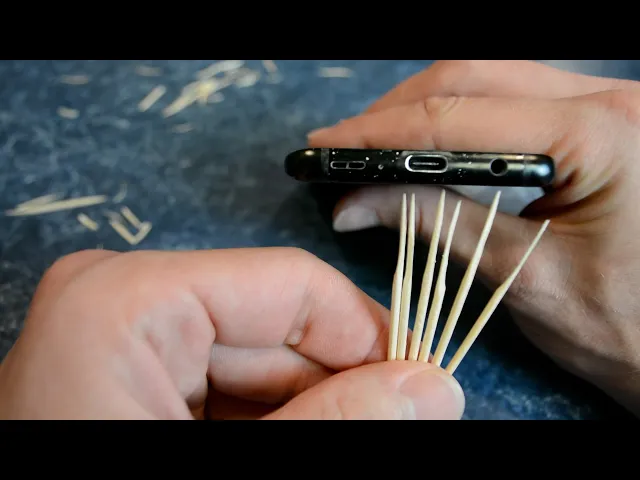
Ports & Grilles: Use compressed air to dislodge dust from speakers.
Pro Tip: Use a wooden toothpick (never metal) to gently remove lint from the charging port. A clean port ensures the charger "clicks" in satisfyingly, a detail buyers love.
Functionality Audit
Test everything as if you were the buyer. Being honest about flaws prevents returns and disputes later.
Touchscreen: Drag an icon across every part of the screen to ensure no "dead spots."
Connectivity: Test Wi-Fi, Bluetooth, and charging.
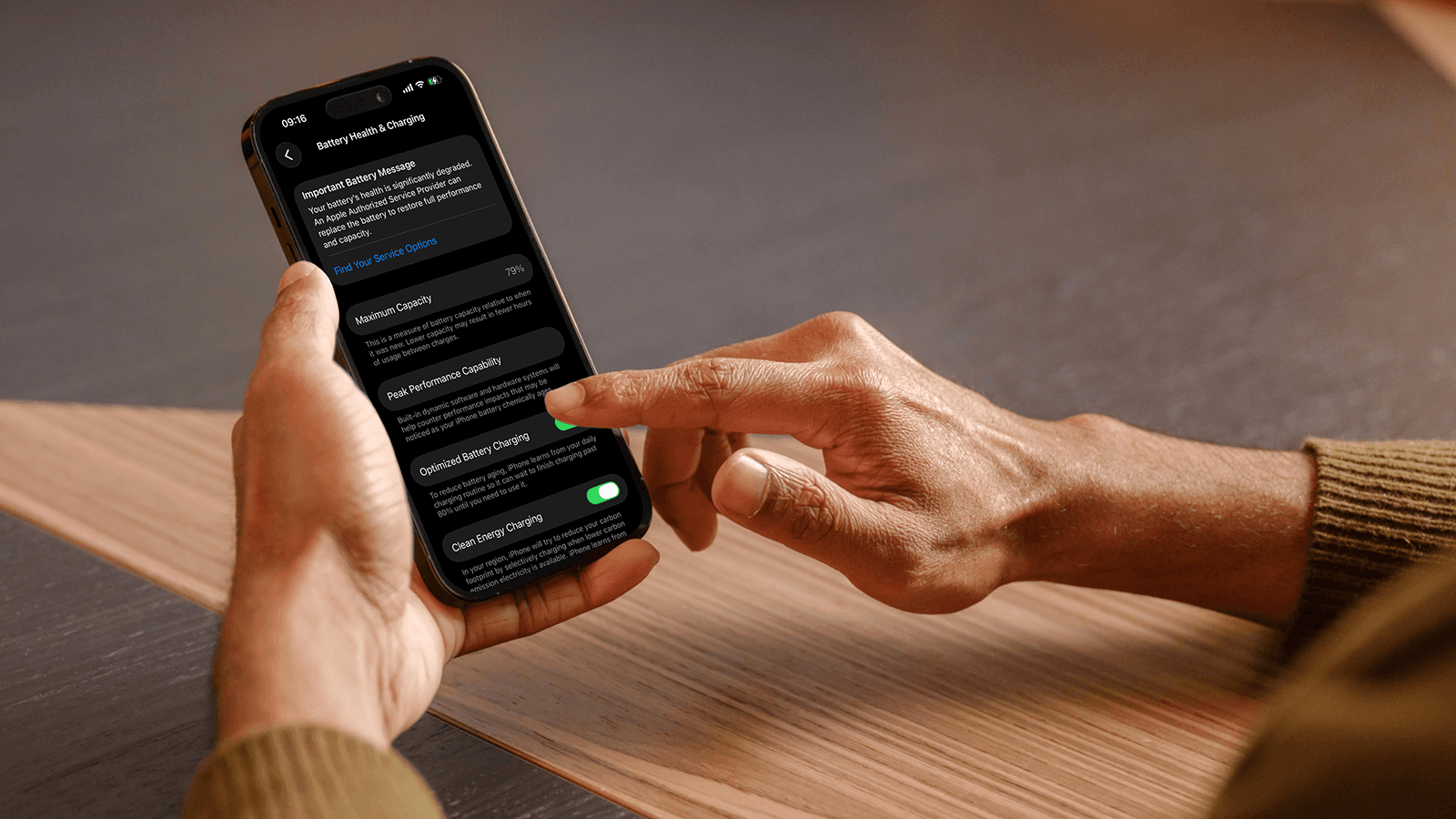
Battery Health: Check the specific battery health percentage in settings.
Note: If a new battery costs $50 but increases the resale value by $150, replace it. If not, just be transparent about the current health.
Phase 2: The Presentation
You cannot physically hand the device to an online buyer, so your photos and description must bridge that gap.
Gather & Bundle Accessories
Bundling increases perceived value and helps you stand out against "device only" listings.
The Essentials: Original chargers and cables are best. If missing, consider buying a quality third-party replacement—spending $15 on a charger can often allow you to raise your asking price by $40.
The Bonus: Include cases, original boxes, and manuals. "Complete in Box" (CIB) listings always command a premium from collectors and careful buyers.
Strategic Bundling: Group related items. A laptop sells faster with a sleeve and mouse; a console sells faster with extra controllers.
Professional Photography
Light is your best friend. Avoid flash, which washes out screens and highlights dust.
The Hero Shot: A clean, straight-on view of the device powered on, showing the home screen against a neutral background.
The Proof: Photograph the screen on (to show no dead pixels) and off (to show scratches).
The Angles: Capture all six sides: front, back, top, bottom, and both sides.
The Flaws: Take close-ups of any scuffs or dents. Transparency builds trust.
Phase 3: Listing & Pricing
Choose the Right Marketplace
Where you list determines your fees and your audience.
Platform | Best For | Pros | Cons |
|---|---|---|---|
eBay | Collectibles, Laptops, Unusual Tech | Massive global reach; Auction format | High fees (~12-15%); Complex shipping |
Facebook Marketplace | TVs, Monitors, Budget Phones | Cash in hand; No fees; No shipping | Flaky buyers; Safety concerns; Limited reach |
Strategic Pricing & Descriptions
Pricing is driven by demand, condition, and timing.
Check "Sold" Listings: Don't look at asking prices; look at what items actually sold for recently.
The "Bundle" Discount: If selling a bundle, calculate the individual value of items and discount the total by 15-20% to incentivize the bulk buy.
Write for SEO: Include the full model name, storage size (e.g., "256GB"), color, and carrier status (e.g., "Unlocked").
Pro Tip: Pricing research and description writing can be tedious. Tools like Hero Stuff can analyze your item, generate a competitive price based on real-time data, and write the listing description for you in seconds.
Phase 4: Final Pre-Flight Checklist
Before you hit "Publish," ensure you have:
✅ Disabled cloud locks (Find My iPhone/Android)
✅ Factory reset the device
✅ Cleaned the charging port and screen
✅ Taken photos of the device powered on
✅ Included the charger (or noted it is missing)
✅ Written a clear description of any flaws
By following this checklist, you aren't just selling used electronics—you are providing a professional product. This attention to detail builds your reputation, justifies higher prices, and helps you sell faster.
Ready to list? Start gathering your accessories and grab your camera. If you want to speed up the process, check out Hero Stuff (on iOS and Android) to identify and price your electronics instantly.